
Daily diary
Meals, naps, mood, activities and notes from the day on a simple timeline.
Each person sees only what they need. Here is what Peekschool does for every role.
A calm, private window into your child’s school day, with no group-chat noise.
Meals, naps, mood, activities and notes from the day on a simple timeline.
Photos are visible to your family and authorised school staff, and never public.
Message your child’s teacher and receive school notices in one place.
Link all your children to one account and switch between them.
Upload your transfer receipt and follow its verification status.
See the term dates and events your school shares with you.
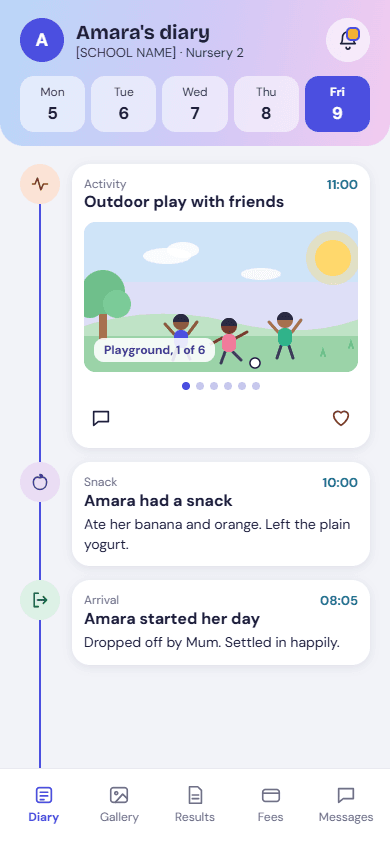
Share the day and keep every update connected to the right child.
Add an activity, meal, nap or note for one child or the whole class.
Reply to parents in conversations linked to their children.
If a child is marked no photos or no sharing, teachers cannot post a photo of them.
Share class news and reminders without another group chat.
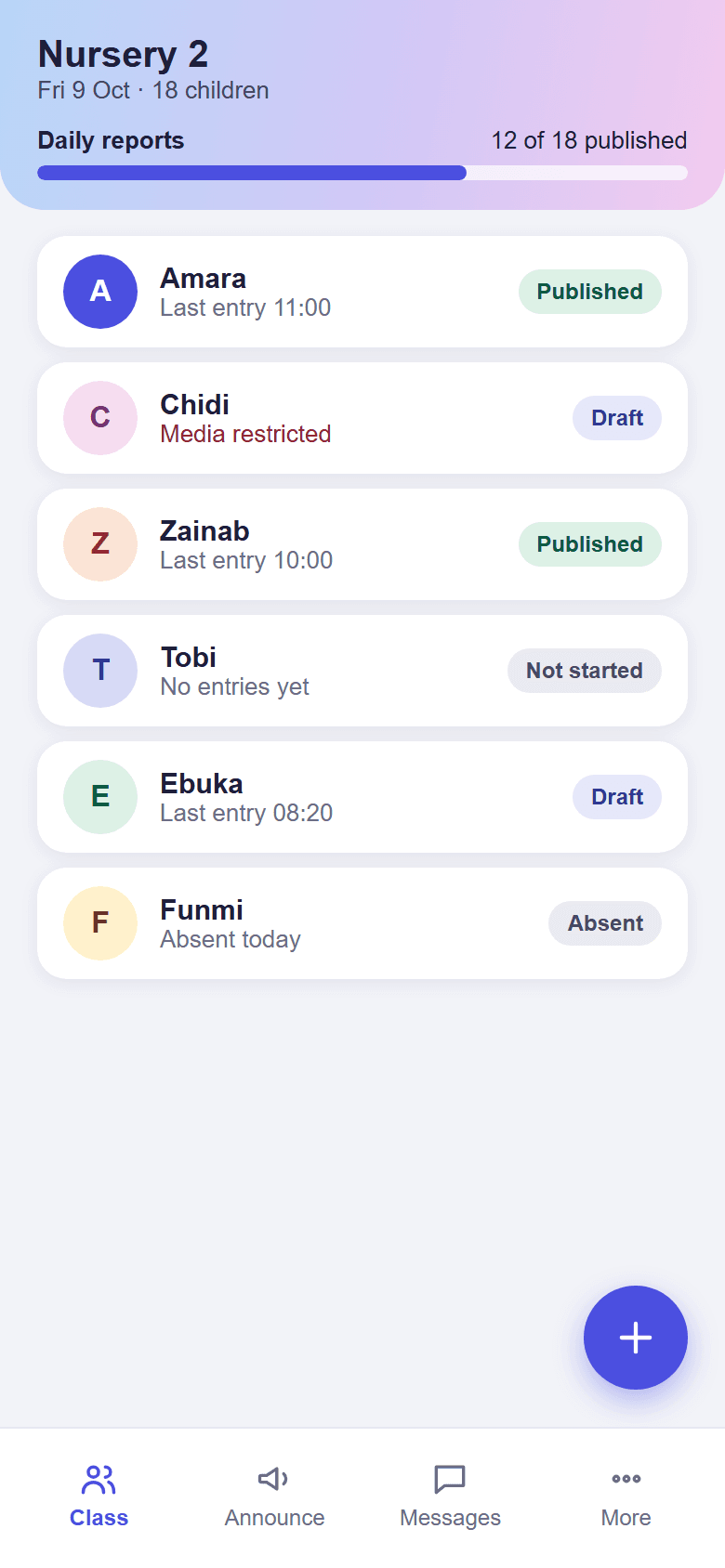
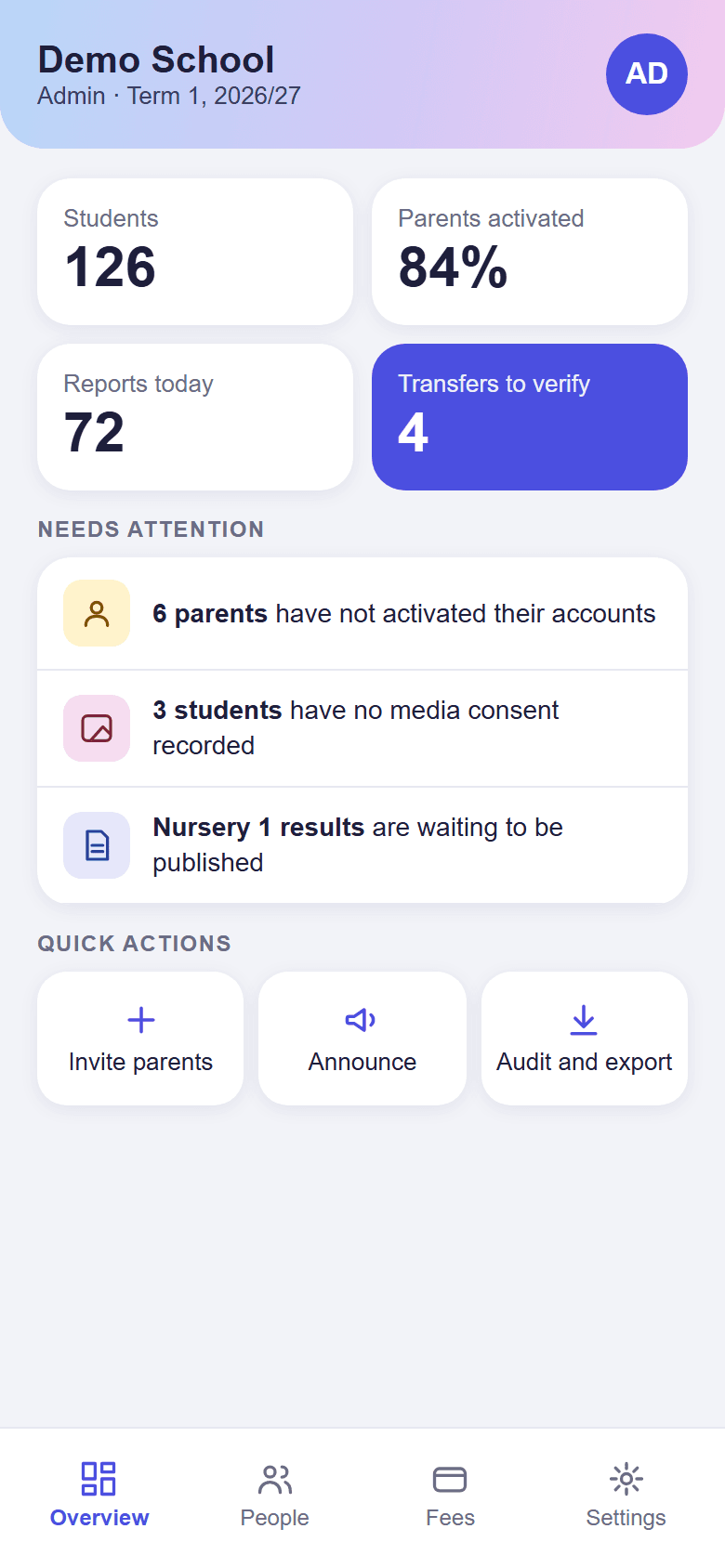
Set up once, keep control, and have the records you need.
Import students from Excel, organise classes and terms, and invite staff and parents.
Add your school logo and choose your colour.
Connect children to their guardians and record authorised pickup contacts.
See who did what and export your school’s records when you need them.
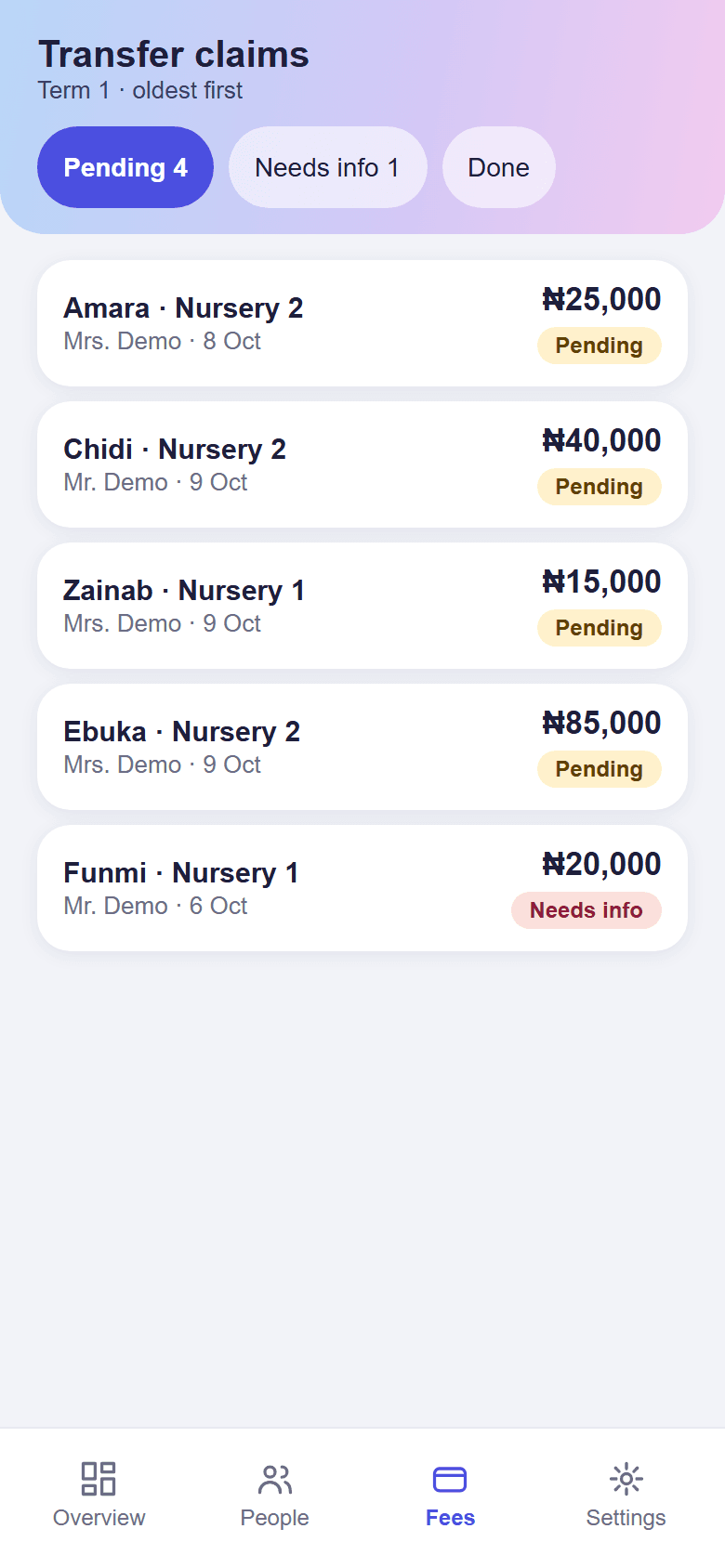
A receipt is a claim. A payment is confirmed after the school checks its statement.
Review bank-transfer claims with the uploaded receipt beside the details.
Confirm the amount you actually received, or reject the claim with a reason the parent can read.
See fee items, verified payments and the outstanding balance together.
Register in a few minutes, or book a 30-minute demo and we will walk you through it.